
New Place Feature Command Minecraft!

“`html
- 🌳 Place Feature Command Basics: You can use the /place feature command in Minecraft to spawn natural environmental objects like trees, caves, and stone features directly in your world.
- 🐝 Natural Trees with Bees: When you place certain trees like meadow trees, they come with beehives that guarantee bees will spawn on them.
- 📍 Using Coordinates: You can add specific coordinates to the place feature command to spawn features at different locations around you instead of just where you’re standing.
- 🎮 Many Options Available: There are lots of different environmental features you can place including various tree types like jungle trees with or without vines, and many other natural structures.
- ☕ Java Edition Only: The place feature command is currently only available in Minecraft Java Edition and is not yet available in Bedrock Edition.
New PlaceFeature Command in Minecraft: A Complete Guide
Hey everybody! Welcome back to another Minecraft tutorial. Today we are diving into one of the coolest hidden features in the game right now: the PlaceFeature command. If you love building and customising your Minecraft world, this command is going to be a lot of fun to play around with.
What Is the PlaceFeature Command?
The PlaceFeature command is a pretty secret and hidden feature at the moment. It might gain more functionality in the future, but for now it lets you place natural environmental features into your world with a single command. Think trees, caves, stone formations, and more.
One important thing to note is that you cannot place buildings or structures with this command. It is purely for natural features that you would normally find generating around your world.
How to Use the PlaceFeature Command
Using the command is really simple. Here is how to get started:
- Open your chat box and type /placefeature
- A list of options will pop up showing you all the environmental features you can place
- Choose the feature you want and run the command
Placing Trees and Other Features
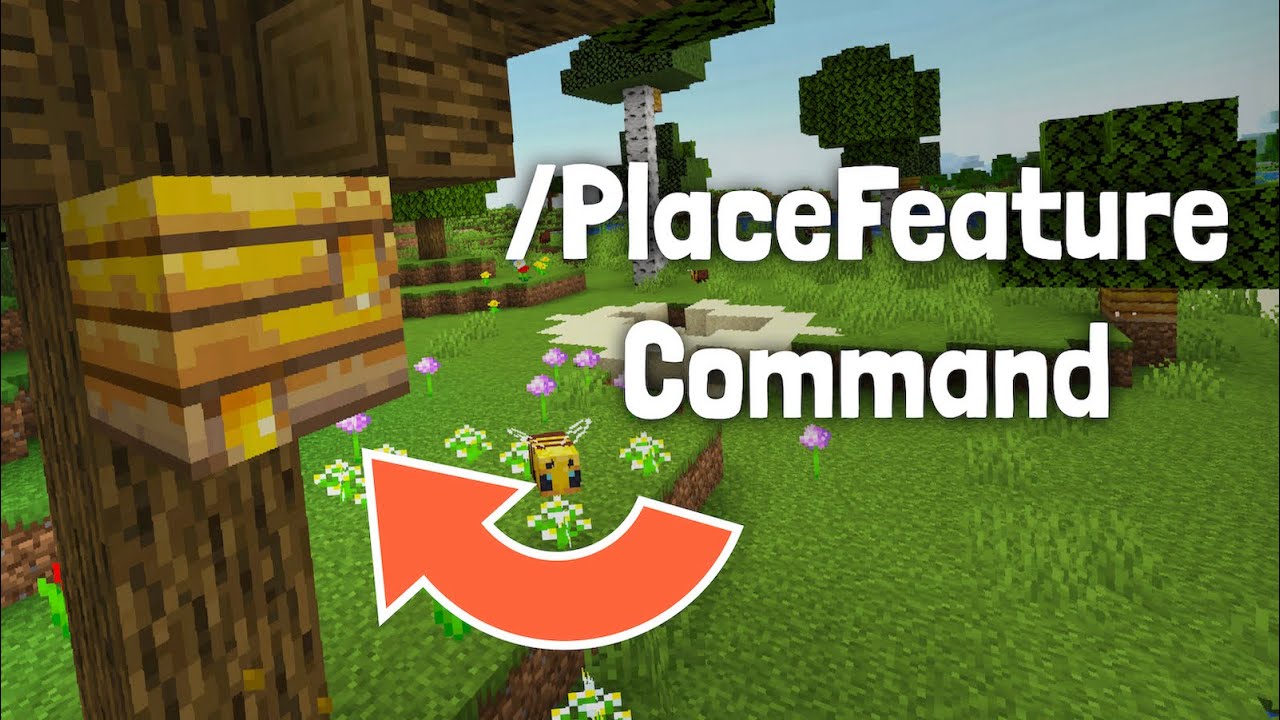
One of the fun things you can do is place natural trees. For example, when placing a meadow tree, it will spawn a very big tree complete with a little beehive attached. And yes, bees will come out of it, guaranteed!
You can also use coordinates with this command. This means you can place a feature exactly where you want it, even a few blocks across from where you are standing. This is great if you want to design your landscape precisely.
So Many Features to Explore
There is a huge list of options to try out. For example, you can place a jungle tree with no vines by selecting the “jungle tree novine” option. The name pretty much explains what you get! With so many choices available, there is plenty to experiment with and have fun creating your own custom environments.
Java Edition Only
One thing to keep in mind is that the PlaceFeature command only works on Java Edition. Unfortunately it is not available on Bedrock Edition, so apologies to any Bedrock players out there.
Final Thoughts
The PlaceFeature command is a fantastic tool for anyone who wants to add natural features to their Minecraft world quickly and easily. I really recommend taking some time to explore the full list of options and see what amazing things you can create.
If you enjoyed this guide, do not forget to leave a like and subscribe to the channel. We are so close to hitting 7k, and your support means everything. Thank you so much and I cannot wait to see you in the next one!
hey everybody it's under my cap and welcome back to another video of today i'm going to be showing you how to use the place feature command in minecraft now this is a very secret hidden feature at the moment i'm not sure if it's going to gain more functionality in the future but basically you can place environmental natural features um so you can't place buildings i've tried to look into gosh what does that be doing i've tried to look into it you can't really place buildings but you can place a whole bunch of trees caves stone things anyway you get it i'll show you how to do it first of all what you want to do is you're going to want to type in place feature so i'm going to go slash place feature and as you can see it pops up the next part is pretty simple you've got a whole variety of environmental things you can place i was placing a whole bunch of these natural trees which had bees on them guaranteed um in fact i'll show you that right now so basically i did meadow trees and when i did that you can see it placed a tree a very big tree and then it would place a little beehive here and hopefully be or did did that oh gosh and yeah b came out of it and to show you that this was guaranteed you can type it again um you can also use this command with uh different coordinates as well so you can see i've done three titles um and basically if i did let's say one here it'll do it one across from me and you can see it spawned another b now of course there is literally a whole list i don't know just there's so many things here jungle tree novine we can try that you can see it's a jungle tree with no vines the name the name kind of says it but yeah so that's the command i'll let you explore it a little bit more unfortunately this is only on java edition not bedrock edition so um i'm very sorry about that yeah if you did enjoy the video don't forget to leave a like and subscribe to the channel it would be greatly appreciated we are so close to 7k so i hope we can hit it in this month um and yeah thank you so much and i can't wait to see you in the next video see ya
Video Thumbnail
This post has been automatically generated using services to reformat and enhance content based on the video’s transcripts. Some information may be incorrect and may not reflect undermycap’s values or views.


