“`htmlHow to Get Command Blocks in Minecraft!
In the fantastic world of Minecraft, command blocks are powerful tools that enable players to execute commands automatically. They facilitate a range of complex operations, from simple functions to intricate adventure maps. Unlike most other blocks in the game, command blocks are not available in the standard inventory and require specific methods to obtain them. In this blog post, we’ll walk you through the steps to acquire command blocks and discuss their potential applications within the game.
Step-by-Step Guide to Getting Command Blocks
Getting a command block in Minecraft is a fairly straightforward process, but it does involve using the game’s command system. Follow these steps to get your hands on this powerful block:
-
Open the Chat Window: To begin, you need to open the chat window where you can input commands. On most versions of Minecraft, you can do this by pressing the ‘T’ key on your keyboard, or by tapping on the chat button if you’re on a mobile device.
-
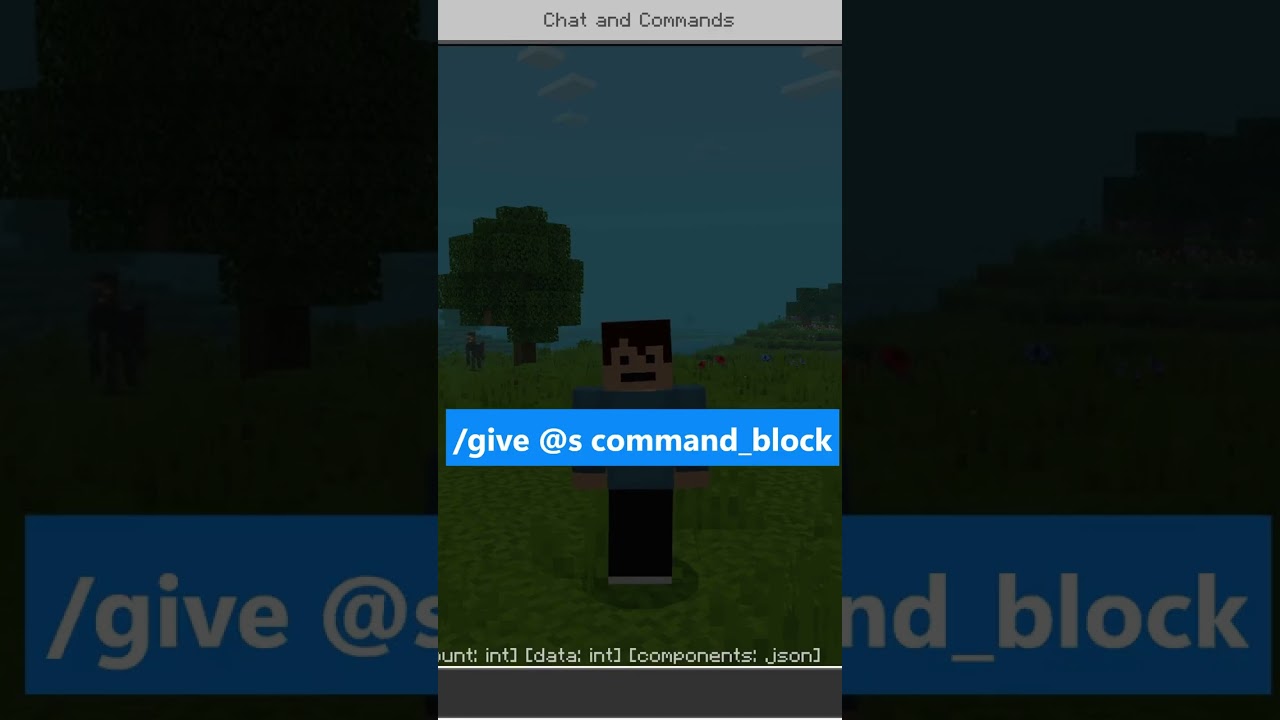
Enter the Command: In the chat window, you will need to type a command that will grant you a command block. The syntax you will use is:
/give @s command_block. This command is structured to give yourself (denoted by @s) a command block. -
Execute the Command: Press the ‘Enter’ key or the appropriate button on your device once you have typed the command correctly. You should see a confirmation message that a command block has been added to your inventory.
-
Find Your Command Block: Open your inventory to locate the command block. It should appear among the items you already possess. From here, you can begin placing it in your world and experimenting with its powerful functionalities.
Why Use Command Blocks?
Command blocks are an invaluable tool for those looking to customize their Minecraft experience extensively. Some benefits of using command blocks include:
-
Automation: Command blocks allow for the automation of simple to complex operations, reducing manual effort and enhancing efficiency.
-
Adventure Maps: They are frequently used in the creation of custom adventure maps, enabling triggers, quests, and complex game mechanics.
-
Customization: Players can customize their gameplay significantly, from altering game rules to spawning entities and controlling time and weather.
-
Educational Use: Educators can use command blocks in Minecraft for educational purposes, teaching programming logic and encouraging problem-solving skills in a fun environment.
Exploring the Capabilities of Command Blocks
Once you have a command block, the possibilities are virtually endless. You can use them to perform a wide range of actions in your Minecraft world. Some interesting applications include:
-
Building Structures: Automate the creation of structures by programming the command block to place specific blocks in a particular pattern.
-
Teleportation: Use command blocks to set up teleportation points, allowing players to quickly move between distant locations.
-
Game Rules: Change or enforce game rules dynamically, such as disabling PvP or keeping the player’s inventory after death.
Conclusion
Command blocks are a powerful asset in any Minecraft player’s toolkit, providing a myriad of options for enhancing, customizing, and automating gameplay. Whether you’re an experienced world builder looking to streamline your operations or a curious player ready to explore new features, command blocks open up a realm of possibilities.
By following the steps outlined above, you can easily acquire and start using command blocks in your Minecraft world. Dive in, experiment, and discover the fascinating potential that these blocks hold. Happy crafting!
“`


 Thank you for reading this post.
 Thank you for reading this post.


