
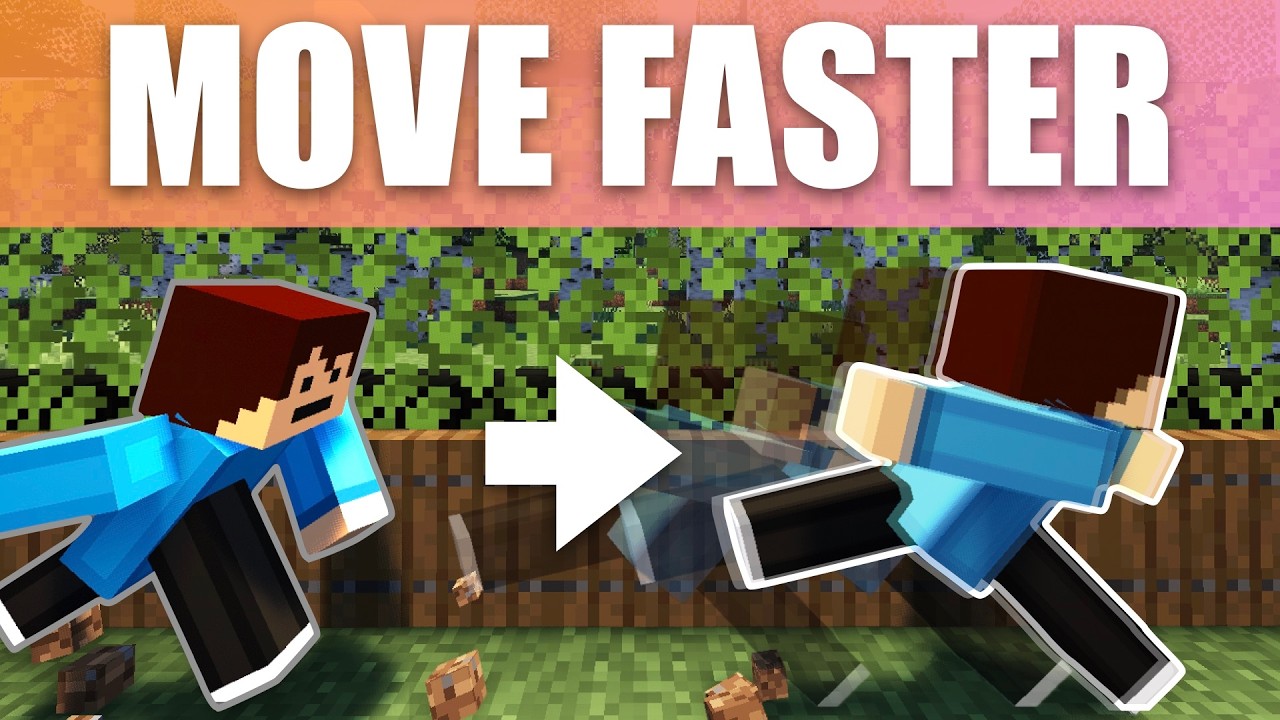
How to run FAST in Minecraft! Make YOUR player Faster with ONE command!
“`html
- ⚡ Using the Effect Give Command: Type “/effect give” followed by your username and “speed” to give yourself a permanent speed boost that works on both Java and Bedrock Edition
- 🎚️ Adjusting Speed Levels: Change the amplifier number in the command to control how fast you go – higher numbers mean faster movement, with infinite duration available
- ✨ Hiding Command Spam: Use “/gamerule commandBlockOutput false” to stop the annoying messages appearing on your screen while the speed effect is running
- 🪣 Resetting the Speed Effect: Drink a bucket of milk or use “/effect clear” command to remove the speed boost if you want to return to normal movement speed
- 📍 Command Block Range Requirement: Keep the command block loaded and stay in range for the speed effect to keep working continuously, or set it to infinite duration
How to Run Fast in Minecraft: Make Your Player Speedy With One Command
Want to zoom around your Minecraft world at super speed? In this guide, I will show you how to make your player run incredibly fast using just one simple command. The best part is that this trick works on both Bedrock and Java Edition, so no matter which version you play, you are in luck!
What This Command Does
This command basically gives your player the Potion of Swiftness effect 24/7. That means your character will constantly be running fast without needing to drink any potions. All you need is a command block and a few seconds to set it up.
Setting Up the Command
Head over to a command block to get started. The great news is that this is a one command setup, so it is super simple.
Start by typing the first part of the command:
/effect give
Next, you get to choose who receives the speed boost. Here are your options:
- Your name – gives the effect to just you
- @a – gives the effect to all players
- @e – gives the effect to every entity, including creepers and zombies
For this example, we will just give the speed effect to ourselves.
Choosing the Effect and Duration
After picking who gets the boost, type in the effect. Interestingly, it is not called swiftness in the command. It is actually called speed, even though the potion itself is called Swiftness.
Now you can choose how long the effect lasts. If you want a quick boost, you could set it to 60 seconds. If you want it to last forever, you can click the infinite option that autofills, which is a newer feature. If you do not have that option, simply type in a very large number instead.
Adjusting the Amplifier
The amplifier is where things get fun. Start with a small number like 1 to test it out. Set your command block to repeat and always active and you will have the speed effect right away.
If you bump the amplifier up higher, your character becomes so fast that it can be hard to control. Be careful, because a very high effect can override other things and make you almost impossible to steer!
How to Reset the Speed Effect
If you set the speed too high and want to reset it, you have two easy options:
- Run the command /effect clear to remove the effect
- Drink a bucket of milk, which also clears the effect instantly
Hiding the Particles
When you run the command, you will see particles around your character. This can get annoying if the boost is on all the time. To hide them, just set the particle option to true for hidden particles.
Stopping the Command Spam
You might notice constant command messages spamming in the bottom left of your screen, or the top left if you are on a tablet. This gets really annoying fast. To get rid of it, you do not even need a command block. Just type:
/gamerule commandBlockOutput false
Remember to use the two capital letters as shown. This tells the command blocks to stop announcing that they are giving you the speed effect. Now you get a smooth, permanent speed boost!
Important Things to Remember
There are a couple of key points to keep in mind when using command blocks:
- You have to be within range and the chunks must be loaded for the command block to keep working. I recommend setting the duration to a high number or infinite.
- Just like any effect, if you die you will lose the speed boost. So keep it on infinite or make sure the command block is in range so you can reactivate it whenever you want.
Enjoy Your Super Speed!
And that is it! With this one simple command, you can now run super fast across your Minecraft world. Whether you are exploring, escaping mobs, or just having fun, this trick is a game changer.
If you found this guide helpful, do not forget to try it out in your own world. Happy speedrunning, and see you in the next one!
hey everybody it’s under myap and welcome back to another video where today i’m going to be showing you how to be fast in Minecraft with a simple command now this works on both bedrock and Java Edition so that basically means you’re in luck with this video it will work on basically any Minecraft so let’s head over to a command block and luckily this is one command so is super simple now depending on who you want to give this speed boost to you can actually change it in the command now basically what this command does is it gives us literally the potion of swiftness 24/7 so that our player is constantly going to be running FAS without further Ado let’s get straight into this so i’m going to first type in the first part command so we’re going to go effect give and this is where you can actually choose who you want to give the effect to so if you just want to give it to yourself you can type in your name if you want to give it to all players you can hit at a or entity so that means literally everything like creepers zombies will all have the speed effect but for now we’re going to just give ourself the speed effect so under my cap i’m going to give myself speed interestingly it’s not called swiftness it’s called speed but the potion is actually called swiftness so once we do that we want to do speed and then we can actually type in the amount of seconds we want so if you do want it to be like a button press and it gives you a certain amount of speed you can say let’s say 60 seconds you’ll get given the speed if you do want it to be infinite you can see you can actually click on infinite right here and autofills it that’s kind of new if not if you don’t have that option you can just simply type in a very large number like that and the amplifier this is where you can get a little bit crazy so let’s first of all just start off with a small amplifier so let’s do one i’m going to give myself repeat and always active you can see that i have the speed effect now if i change the amplifier by a slight bit you can see that my character is really Speedy like i i can hardly control my character whoa like okay very fast you can see i need to get back to this command block now let’s just keep it at one for now the next part of the command is if you want the particles to show so you can see that there is a particle right here and it is very annoying if you want this on 24/7 so let’s just set it for True to now for now also one thing to note if you do have a very high effect given to you that will actually override everything so what I recommend is you either run this command so um SL effect and then clear and that will reset it for you or if you don’t really want to type in a command that’s kind of like me you can just simply get a bucket of milk and you can drink that and it will reset you so now that i’ve covered that hiding particles you can also see that in the bottom left or if you’re on tablet it should be in the top left i think there is this constant spamming of commands now let’s get rid of that cuz it literally sucks so to get rid of this you actually don’t need a command block what you want to do is you want to type in slash game rule and once you type in game rule we want want to do um command block output so you can see like that with the two capitals by the way and we want to type in false and once we do that it basically just tells the command blocks to not tell us that it’s constantly giving us a speed effect and now we get a permanent speed boost so i’m going to set it to let’s say five for now you can see um i’ve got a very fast speed boost my character is very fast now a really important thing to note about using command blocks is that you have to be within range and it has to be loaded in chunks for it to constantly activate so i just recommend having it on a high number or infinite so that once a player interacts with the command block they can leave and just like every effect given to you if you do die you do lose the effect so you want this to as i said before be on infinite um or just have it um in range so you can activate it whenever you want now if you did enjoy the video don’t forget to smash that like button and also subscribe to the channel and i can’t wait to see you in the next video see you
Video Thumbnail
Posts on this website have been automatically generated using services to reformat and enhance content based on the video’s transcripts. Some information may be incorrect and may not reflect undermycap’s values or views.


