
How To Get Structure Blocks In Minecraft

“`html
- 🎮 Use the Command: Type /give @s structure_block in the chat to get a structure block in Minecraft Bedrock
- 💾 Save and Copy Areas: Structure blocks let you save specific parts of your world and copy them to other places
- ⭐ Cool Building Tool: Structure blocks are a super helpful tool for builders who want to duplicate and move structures around
How To Get Structure Blocks In Minecraft
Structure blocks are one of the coolest hidden tools in Minecraft, and they can make building and world creation so much easier. If you have ever wanted to save part of your world and copy it somewhere else, this is the block you need. In this quick guide, we will show you exactly how to get a structure block in Minecraft Bedrock Edition.
What Is a Structure Block?
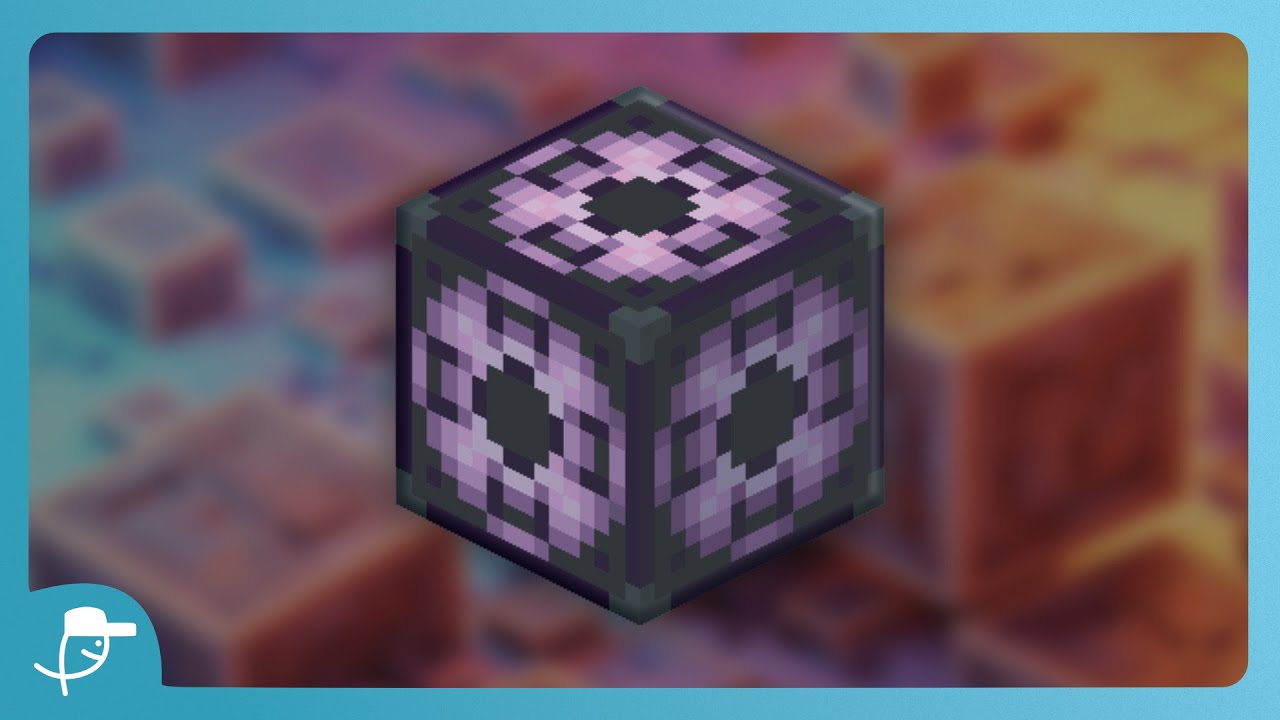
A structure block is a special block in Minecraft that lets you save certain areas of your world and clone them to other places. This is super handy if you want to duplicate buildings, copy designs, or move parts of your world around without having to rebuild everything by hand.
Structure blocks are not available in your normal creative inventory, so you need to use a simple command to get one.
How To Get a Structure Block in Minecraft Bedrock
Getting a structure block is really easy. Just follow these steps:
- Open the chat or command window in your Minecraft world.
- Type in the command: /give @s structure_block
- Press enter, and you will instantly receive a structure block.
The @s part of the command simply means yourself, so the block is given directly to you. Once you run the command, you will see the structure block appear in your inventory, ready to use.
Why Use Structure Blocks?
Structure blocks are perfect for anyone who loves building in Minecraft. Here are a few reasons why they are so useful:
- Save regions of your world so you never lose your favourite builds.
- Clone buildings and designs to different areas of your map.
- Speed up big building projects by copying repeated structures.
- Make map creation and adventure worlds much easier.
Final Thoughts
And that is all it takes to get a structure block in Minecraft Bedrock. With just one simple command, you can unlock a powerful tool that makes building and cloning so much faster. Give it a try in your own world and see how much time it can save you.
If you found this guide helpful, be sure to leave a like and subscribe for more Minecraft tips and tricks. Let us know in the comments what you would like to learn next!
This is how you get a structure block inside of Minecraft Bedrock. So, first of all, what you want to do is you want to type in /g space at s, which is yourself. And then we’re going to type in structure_block. And once you do this, you’ll notice that we’ve been given a structure block. Now, structure blocks are super cool because they allow you to save certain regions inside of a world and clone them to other areas. If you’re interested in learning how to use the structure block, simply leave a like and subscribe.
Video Thumbnail
Posts on this website have been automatically generated using services to reformat and enhance content based on the video’s transcripts. Some information may be incorrect and may not reflect undermycap’s values or views.


