

Minecraft Just Added Painting! Everything You Need to Know About the New Paint Add-On
If you love getting creative in Minecraft, you are going to want to hear about this. There is a brand new paint add-on available for Bedrock Edition, and it opens up a whole world of colourful possibilities. In this post we will walk through exactly how it works, what you can do with it, and why it might just become your new favourite way to decorate your builds.
What Is the Minecraft Paint Add-On?
The paint add-on is an extra download you can grab from the Minecraft Marketplace store. Once you load into a world with it, you will spawn with a special item called the paint add-on book. All you have to do is place it on the ground to open it up and read through the instructions.
The book acts as your guide. You interact to move to the next page, and you sneak plus interact to go back to the previous one. It is a simple way to learn everything you need before you start painting.
How to Get Started with Painting
Getting set up is really easy. Here are the basic steps:
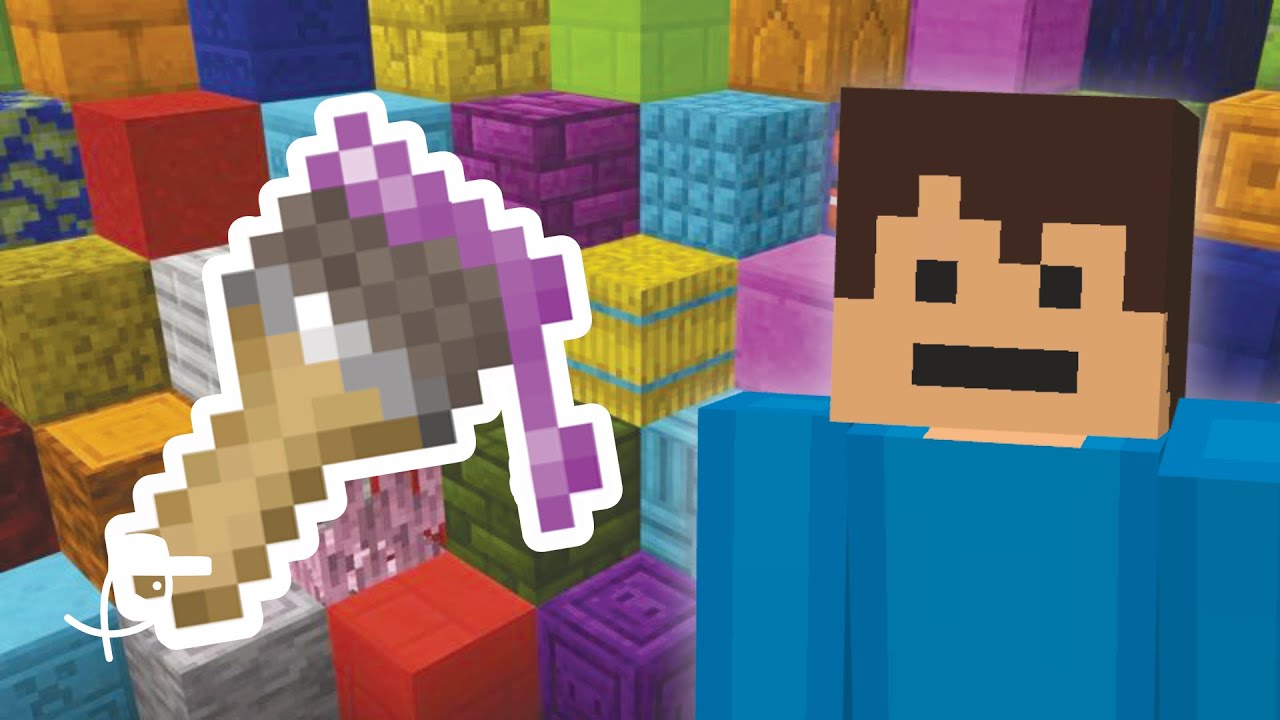
- Craft an empty paintbrush.
- Craft an empty bucket.
- Add dye to the bucket to give it colour.
- Dip your paintbrush into the paint bucket to pick up the colour.
- Start painting everything around you.
To make a coloured paint bucket, you simply place the empty bucket into a crafting table and add your chosen dye next to it. For example, adding orange dye will give you an orange paint bucket. The best part is that it is animated, so you actually see the paintbrush dip into the bucket before you use it.
Does It Add New Blocks or Just Change Colours?
One of the first questions many players ask is whether this adds extra blocks to the game. The answer is that it mostly changes the colour of existing blocks rather than adding new ones. So you are recolouring the world rather than building with brand new items.
Painting Animals and Entities
Here is where things get fun. You can paint entities too. Pigs, for example, can be turned into any colour you like. Not every mob works the same way though. Sheep cannot be painted since their wool already handles colour differently. But painting a pig a bright new shade is quick and easy.
Cleaning Up Your Mistakes
Made a mess? No problem. There are two tools to help you clean up:
- Cleaning sponge: This has unlimited uses and can even clean out your paint bucket so you can reuse it.
- Cleaning rag: Crafted with wool, this lasts for 100 uses.
Both tools let you convert painted blocks and entities back to their original state, so you never have to worry about permanent changes.
Premium Tools and Extra Features
The add-on also comes with some premium options that make painting faster and more powerful:
- Premium paintbrush: This gives you 64 uses instead of the standard 16, which is great for survival mode.
- Paint roller: This paints a 3×3 area at once, perfect for covering large spaces quickly. You could even create a full biome of blue grass if you wanted to.
- Paintballs: These are one of the coolest features. You just throw them and they paint a 3×3 area on impact.
Paintballs Are a Blast
The paintballs are seriously fun to use. Grab a colour, throw it, and watch it splash across blocks. You can even hit other players or mobs with them, and they will turn that colour on impact. It is a brilliant way to add some quick colour to trees, walls, or anything else you can aim at.
A Few Things to Note
Painting over an area that is already painted will not merge the colours together. Instead the new colour simply replaces the old one. Also, it does not look like you can dye water with this add-on, so keep that in mind while you plan your projects.
Final Thoughts
The paint add-on is a really creative and fun way to bring more colour into your Minecraft world. Whether you want to decorate your builds, recolour your animals, or have a paintball battle with friends, there is plenty to enjoy here. You can find this paint add-on in the Minecraft Marketplace.
If you enjoyed learning about this new feature, why not give it a try in your own world? Have an awesome day everyone, and happy painting!


