
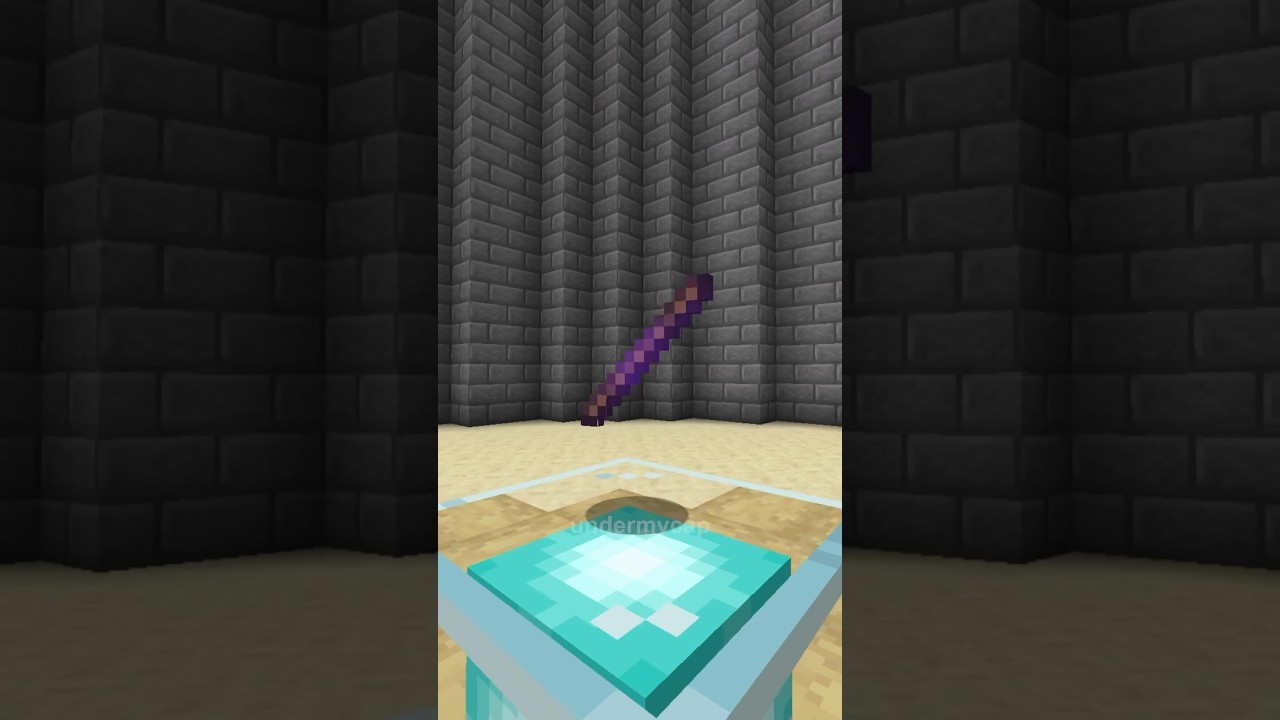

How to Get the Secret Debug Stick in Minecraft with One Simple Command
Want to level up your building skills in Minecraft? There is a hidden item that most players have never even heard of, and it can completely change the way you build. It is called the debug stick, and in this guide we will show you exactly what it does and how to get it.
What Is the Minecraft Debug Stick?
The debug stick is a special tool that Minecraft developers use to test for block states. In simple terms, a block state is just the different ways a block can look or behave. Think about things like the direction a stair is facing, whether a door is open or closed, or how a fence connects to other blocks.
While the debug stick was made for testing, players like us can also use it as a handy building tool. It lets you change the way your blocks look without needing to break and replace them. This makes it perfect for adding small details and getting your builds to look exactly the way you want.
How to Get the Debug Stick
Getting the debug stick is really easy. You just need to use a simple command in the Java Edition of Minecraft. Here is what to do:
- Open your chat or command window in Minecraft Java Edition.
- Type the command
/give @s minecraft:debug_stick - Hit enter, and the debug stick will appear in your inventory.
Keep in mind that you may need to have cheats turned on for the command to work.
How to Use the Debug Stick
Once you have the debug stick in your hand, using it is simple:
- Left click a block to choose which block state you want to change.
- Right click the same block to cycle through the different options for that state.
This gives you full control over how your blocks look, which is great for creative builds and detailed projects.
Why You Should Try It
The debug stick is one of the most underrated tools in Minecraft. It saves you time, gives you more building options, and helps you create cleaner and more professional looking builds. If you love building, this is a tool you will want in your toolkit.
Give it a try in your next build and see how much easier it makes things. Happy crafting!


