
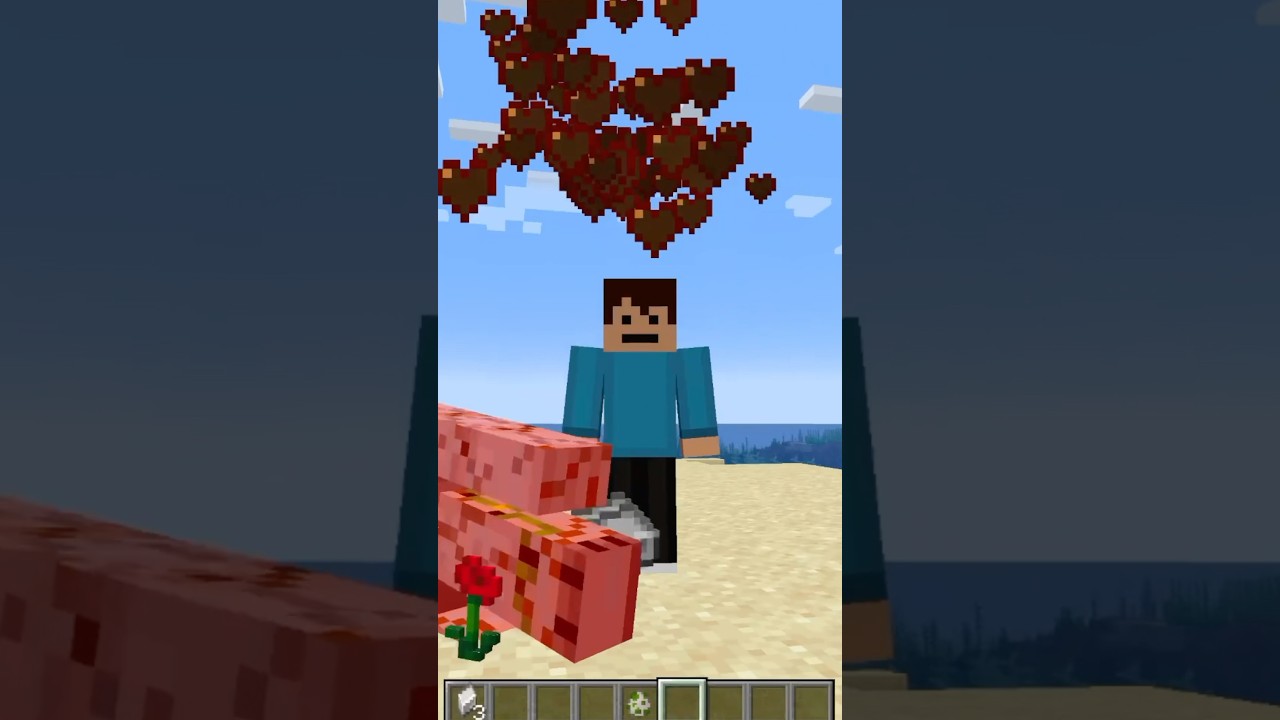

How to Get Stronger in Minecraft with This Simple Command
Have you ever wanted to feel unstoppable in Minecraft? If you play Minecraft Java Edition, there is a super easy command that lets you boost your attack damage and turn your player into an absolute powerhouse. In this guide, we will walk you through exactly how to do it step by step.
Why Boost Your Attack Damage?
Sometimes you just want to have fun and take down mobs with a single hit. Whether you are testing things out, messing around in a creative world, or just want to feel like the strongest player alive, changing your attack damage attribute is a quick and easy way to do it.
The Command You Need
To make your Minecraft player super strong, you will be using the attribute command. Here is how to set it up:
- Type
/attributeinto the chat or command box. - Add your player name after the command. For example, this could be your username in the game.
- Next, type
minecraft:attack_damage. Make sure you include the colon, because the command may not work without it. - Then add
base setfollowed by any number you like.
For example, if you put in a number like 10,000, you will have an instant kill setup. This means almost any mob you hit will be defeated with a single blow.
Testing It Out
Once you have entered the command, try spawning in some mobs to see the results. Something as tough as an Iron Golem will go down in a single hit. It is a great way to see just how powerful your player has become.
Quick Tips to Remember
- Always double check that you have added the colon in
minecraft:attack_damage. - Make sure you type your correct player name.
- You can experiment with different numbers to find the power level you enjoy most.
- This command works in Minecraft Java Edition.
Final Thoughts
Using the attribute command is one of the simplest ways to make your Minecraft player stronger and have some fun taking down mobs with ease. Give it a try in your own world and see how powerful you can become.
If you enjoyed this guide, do not forget to smash that subscribe button and stay tuned for more Minecraft tips and tutorials. See you in the next one!


