
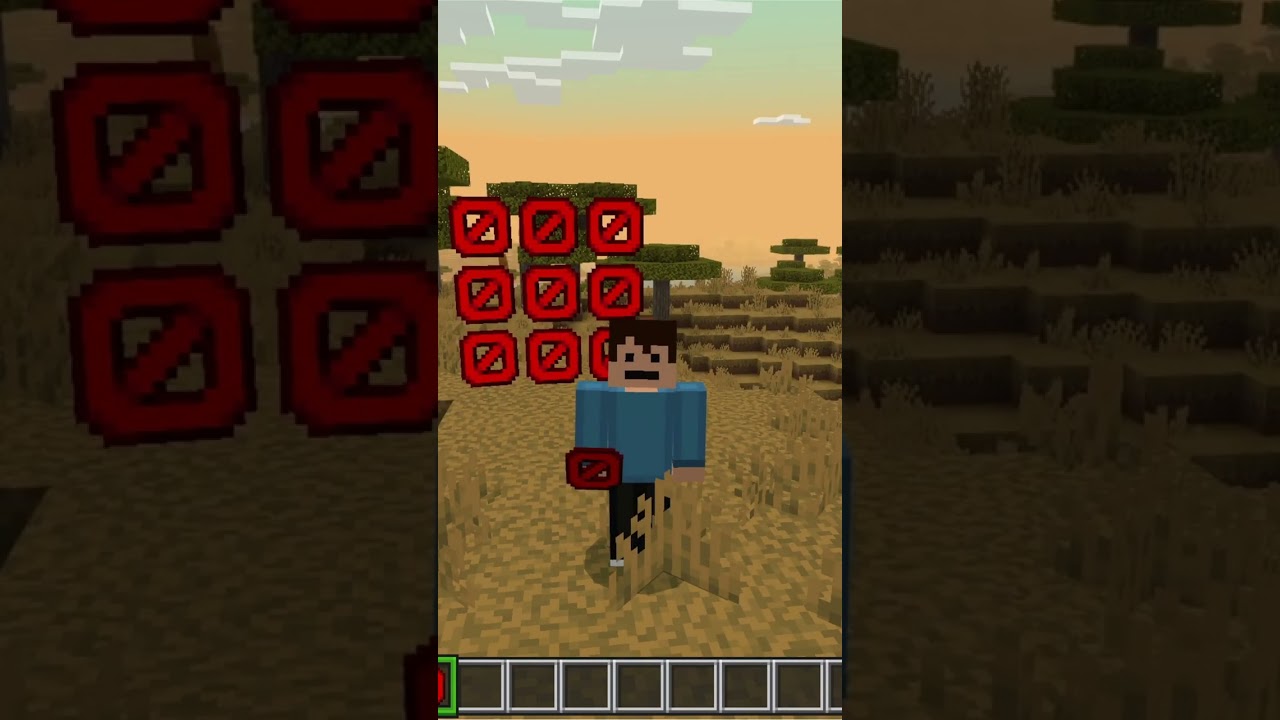


How To Get Barrier Blocks In Minecraft
Have you ever wondered why you sometimes cannot walk through certain spots in Minecraft? The answer might be the barrier block! In this post, we will show you how to get this exclusive and secret block using just one simple command. Let’s dive in.
What Is A Barrier Block?
The barrier block is a special invisible block in Minecraft. It is super useful because it stops players from walking through certain places. Since it is invisible, players will not even see it, but they will still be blocked. Even better, in survival mode you cannot break these blocks, so they are perfect for keeping areas secure.
How To Get The Barrier Block
Getting the barrier block is really easy. All you have to do is use one quick command. Here is what you need to do:
- Open the chat or command box in your game.
- Type in the following command: /give @s barrier
- Hit enter.
Once you do this, you will notice that you have been given the barrier block right away. Now you can use it however you like in your world.
Why Use Barrier Blocks?
Barrier blocks are great for many reasons. Here are just a few:
- They stop players from walking through areas you want to protect.
- They are completely invisible, so they do not ruin the look of your builds.
- In survival mode, they cannot be broken, making them extra secure.
Final Thoughts
The barrier block is a simple but powerful tool in Minecraft. Whether you want to block off areas, create hidden walls, or protect your builds, this block can do it all. Give the command a try and see how you can use barrier blocks in your own world.
If you found this helpful, do not forget to like and subscribe for more Minecraft tips and tricks. Happy building!


