


How To Get Command Blocks In Minecraft!
Command blocks are one of the coolest tools in Minecraft. They let you run commands, build cool contraptions, and add awesome features to your world. But if you have ever tried to find one in your inventory or the creative menu, you probably noticed you cannot grab it the normal way. In this quick guide, we will show you exactly how to get a command block in Minecraft.
Why You Cannot Find Command Blocks Normally
Unlike most blocks in the game, command blocks are not available in the creative inventory. This is because they are powerful tools mostly used by map makers and server owners. To get one, you need to use a simple command instead.
How To Get A Command Block
Getting a command block is really easy once you know the right command. Just follow these simple steps:
- Open the chat window in your Minecraft world.
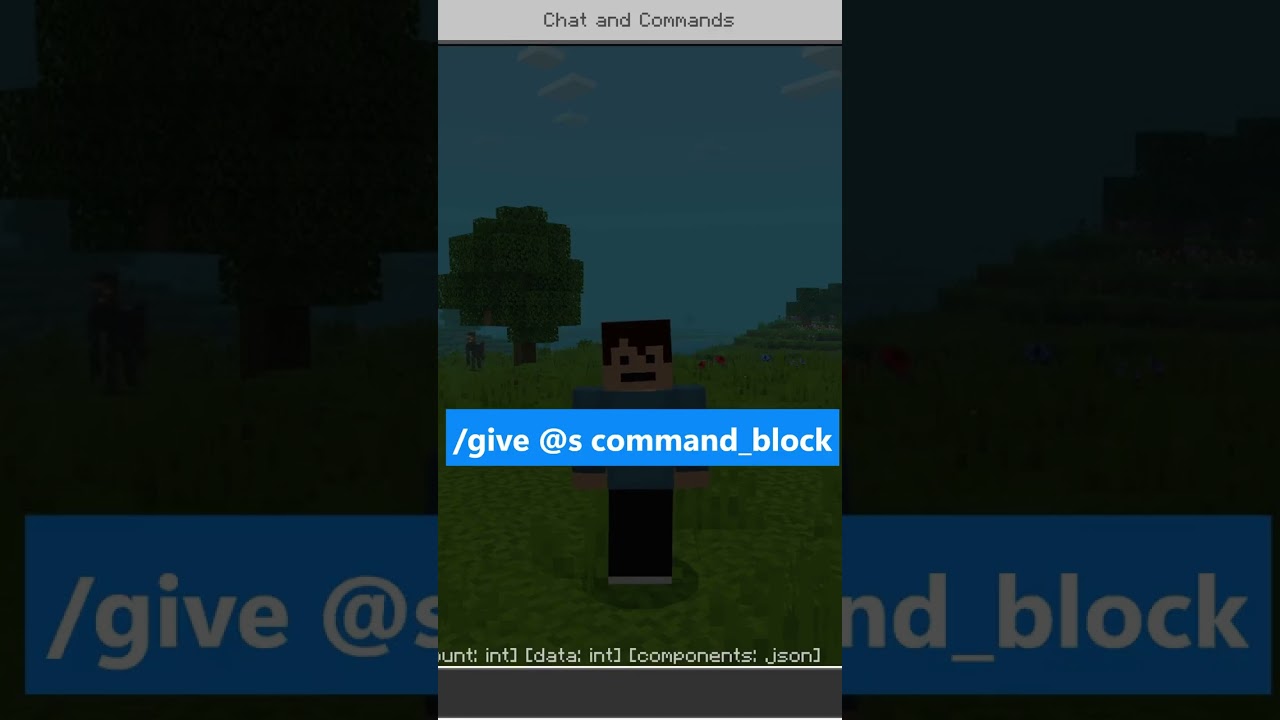
- Type the give command like this: /give @s command_block
- Press enter, and you will instantly get a command block added to your inventory.
Once you do that, you will notice a shiny new command block ready to use in your world. Now you can place it down and start experimenting with all kinds of commands.
Quick Tips For Using Command Blocks
- Make sure you are in creative mode, since command blocks work best there.
- You need to have cheats or operator permissions enabled for the command to work.
- Right click the command block to open it and type in the command you want to run.
Have Fun With Command Blocks
Command blocks open up a whole new world of creativity in Minecraft. From teleporting players to giving out items automatically, there is so much you can build with them. Now that you know how to get one, go ahead and try it out in your own world. Happy building!


