

Items You Can ONLY Get with Commands in Minecraft Bedrock!
Ever wanted to unlock some of the coolest hidden items in Minecraft Bedrock Edition? There are a handful of special blocks you simply cannot find in normal gameplay. The only way to get them is by using commands. In this guide, we will walk through each of these secret items and show you exactly how to grab them.
Whether you are building epic structures or just love experimenting, these command only items open up a whole new world of creativity. Let’s dive in!
1. The Command Block
First up is the classic command block. To get it, simply open your chat and type:
/give YourName command_block
Just replace “YourName” with your own player name. Keep in mind that the command block is a creative mode only item. You cannot get it in survival, and you can only interact with it while in creative mode. It is perfect for automating tasks and creating fun contraptions in your world.
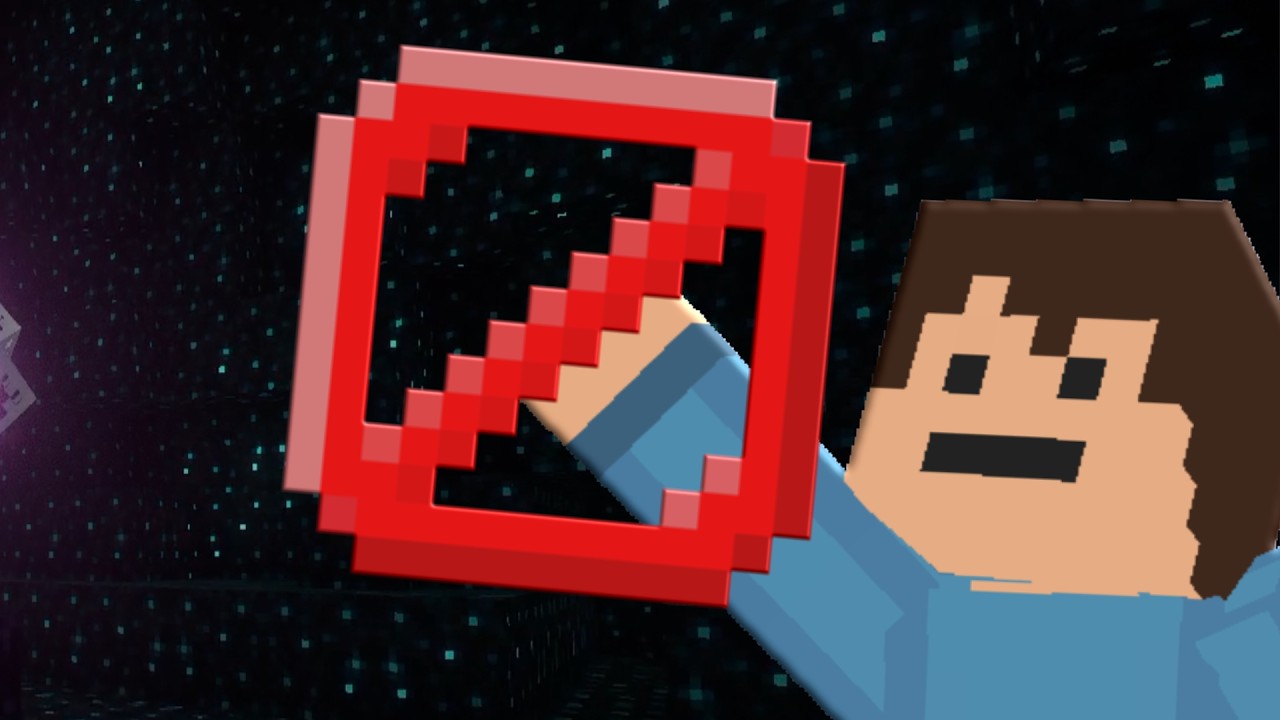
2. The Barrier Block
The barrier block is a fantastic tool for stopping players from entering certain areas. It works like an invisible wall and is unbreakable, just like bedrock. To get it, type:
/give YourName barrier
Once you place it down, players will not be able to walk through it, and even operators cannot break it in survival mode. This makes it ideal for protecting areas or creating invisible boundaries in your builds.
3. The Jigsaw Block
Next is the jigsaw block, which is a bit more advanced. This block is used to generate structures like villages. To get it, type:
/give YourName jigsaw
Inside the jigsaw block you will find target pools, names, and plenty of options to play around with. It is a complex block, so it is worth spending some time learning how it works if you want to create custom generated structures.
4. The Structure Block
The structure block is one of the most useful items on this list. It lets you save, copy, and move structures around your world. To get it, you can use:
/give @s structure_block
Tip: You can use @s instead of typing your name every time. It simply targets yourself.
Here is how it works. Place a structure block near what you want to copy, open it, and set the mode to corner. Give your structure a name, for example “tree”. Remember that these names are case sensitive, so make sure they match exactly across all your blocks.
Once you have your corners set, use the detect option and the structure block will capture your build as a 3D model. From there you can export it, switch to load mode, and place an identical copy anywhere you like. It is a super handy feature for large builds!
5. The Structure Void
The structure void looks a little like the barrier block, but it does something completely different. To get it, type:
/give @s structure_void
When placed, structure voids have no volume, so you can walk straight through them. Their real purpose is to prevent liquids and other objects from disrupting your build when you save it with a structure block. For example, if you have water in your build, structure voids can help keep it from spreading during import and export. It is a small but useful tool for keeping your saved structures clean.
6. The Light Block
Last but definitely not least is the light block. This one is great for lighting up your builds without using torches everywhere. To get it, type:
/give @s light_block
You will notice a range of numbers available. If you want a strong light, use light_block_15. For a very weak light, use light_block_1. Once placed, you can click the light block to increase its brightness, all the way up to level 15. The texture slowly fills up as the light gets stronger.
This is perfect if you want a clean, well lit build without scattering torches all over the place.
Final Thoughts
And there you have it, six awesome items you can only get with commands in Minecraft Bedrock Edition. From invisible barriers to powerful structure tools, these hidden blocks can really level up your builds and give you more control over your world.
If you found this guide helpful, be sure to try these out in your own game. Happy building and see you in the next one!


