


How to Get Secret Paintings in Minecraft Java Edition
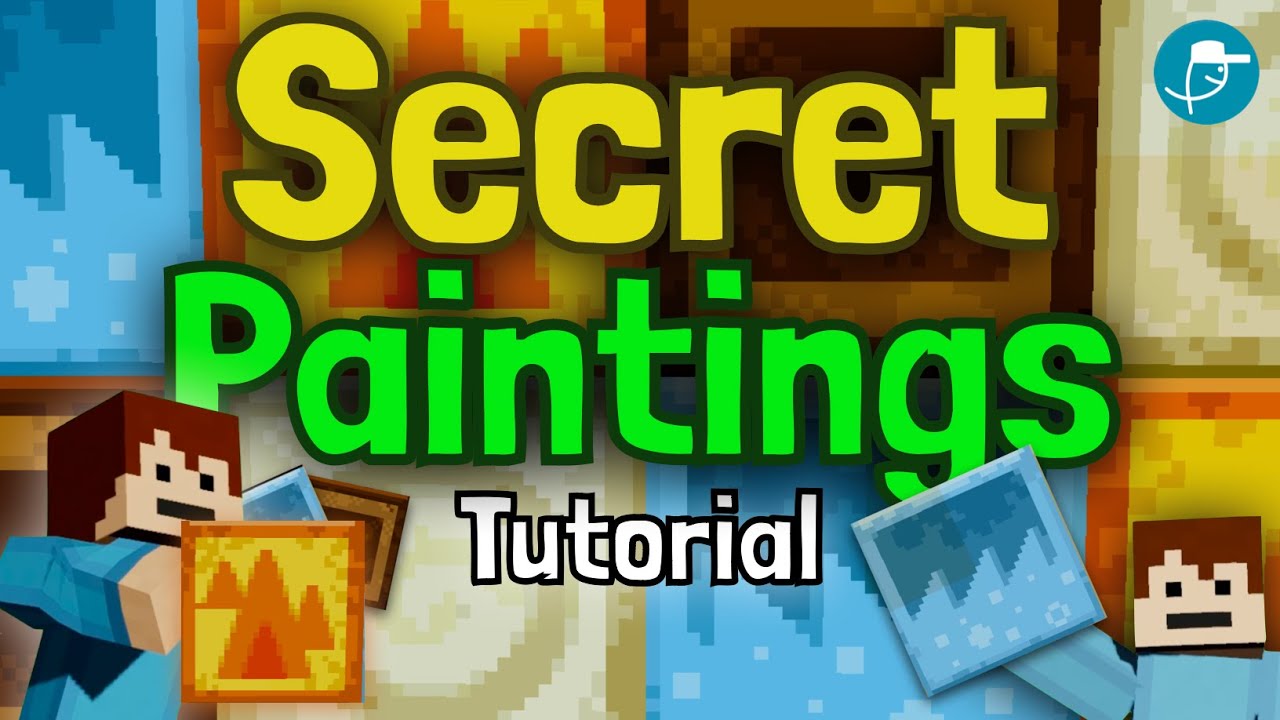
Have you ever wanted to add something a little different to your Minecraft builds? In this guide, we will show you how to get four super secret paintings in Minecraft Java Edition. These are the Earth, Wind, Water, and Fire paintings, and they are not something you can usually place on a wall with normal painting items. Thanks to the 1.20 update, getting them is now quick and easy.
What Are These Secret Paintings?
These special paintings are a bit different from the regular ones you find in the game. Each one is a two by two block size and features a unique design based on the elements. They look really cool in any world, and the brown Earth painting is a personal favorite. If you want to make your builds stand out, these are a fun addition.
Step by Step Guide to Getting the Paintings
Follow these simple steps to unlock the secret paintings in Minecraft Java Edition.
Step 1: Turn On Operator Items
First, you will need operator permissions. To do this, hit the escape key on Java Edition and click on Options. From there, head over to Controls. You will see an option that says Operator Items Tab. Go ahead and turn this on.
Step 2: Open Your Inventory
After turning on the operator items tab, nothing will happen right away. You need to press the E key to open your inventory. Once you do, a new secret operator utilities tab will pop up.
Step 3: Find the Secret Items
When you click on this new tab, you will see all of the super secret items. This includes the debug stick, which is much easier to grab here, along with the four secret paintings: Earth, Wind, Water, and Fire.
Step 4: Add Them to Your Inventory
Simply move the paintings into your inventory and you are ready to place them. That is all it takes to enjoy these unique decorations in your world.
Final Thoughts
Getting these secret paintings in Minecraft Java Edition is a fun and simple way to give your builds a fresh look. With the 1.20 update, the process is easier than ever. Give it a try and see which painting becomes your favorite.
If you found this guide helpful, do not forget to leave a like and subscribe. And if you are playing on Bedrock Edition, let us know in the comments that you would like a tutorial for that version too. Happy building and see you in the next one!


