
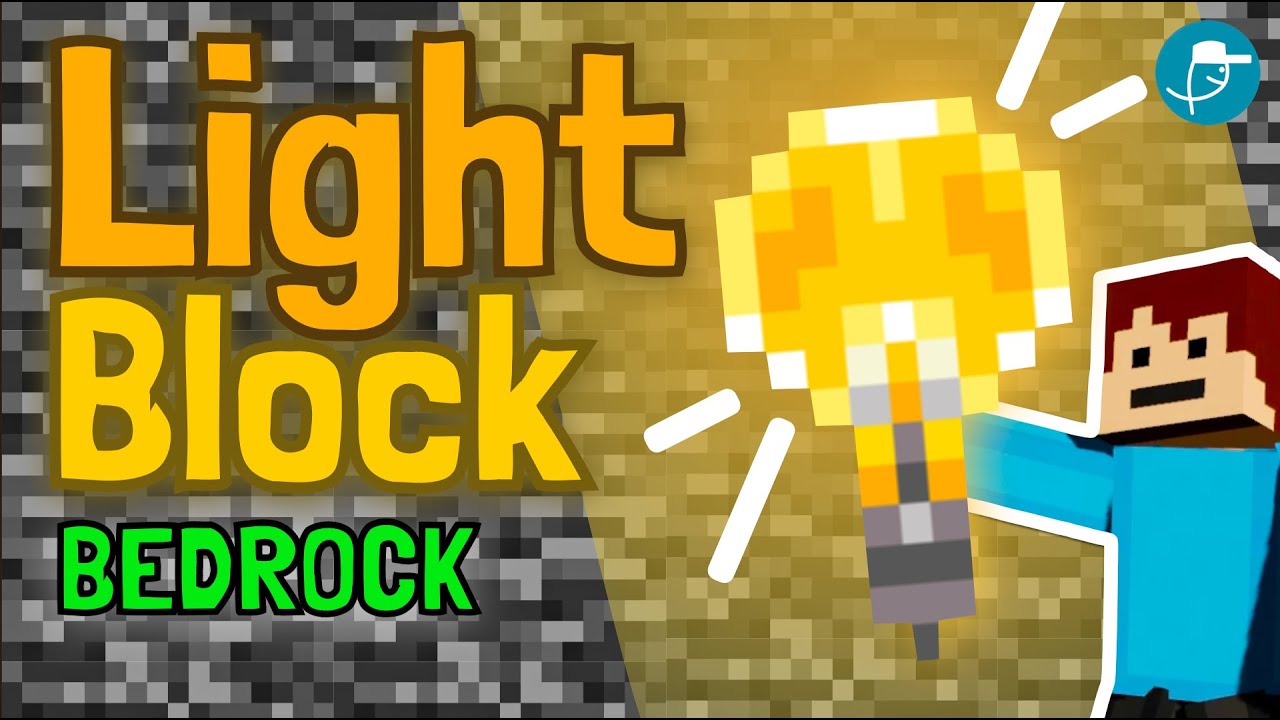


How To Get and Use Light Blocks in Bedrock Minecraft
Welcome back everybody! Today we are going to look at one of the most useful hidden items in Minecraft Bedrock Edition, the light block. If you have ever wanted to brighten up an area without placing torches everywhere, this guide is for you. It works across all Bedrock platforms including Nintendo Switch, Xbox, and more.
What Is a Light Block?
A light block is a special item that gives off light without being visible in your world. This means you can light up areas like temples, builds, or dark rooms without needing to place any torches. It keeps your builds looking clean while still giving you plenty of brightness.
Imagine standing in a dark temple where you cannot see a thing. Once you place light blocks and slowly build them up, the whole area becomes bright enough to see clearly. It is a fantastic tool for both survival and creative players who want more control over their lighting.
How To Get a Light Block in Bedrock
Getting a light block in Bedrock is done with a simple command. It is very similar to Java Edition, but with a slight difference. Here is what you need to do:
- Open the chat or command window.
- Type /give followed by @s to give it to yourself. You can also type your own username if you prefer.
- Then type light_block.
- Hit enter and you will receive a light block with a light level of zero.
Once you have the light block in your inventory, you can start placing them wherever you like.
How To Use the Light Block
Using the light block is really easy. Simply place it down anywhere you want to add some light. You can place as many as you like to increase the brightness of an area. This makes it perfect for lighting up large builds or dark spaces.
One thing to keep in mind is that light blocks behave a bit like barrier blocks. As soon as you move the light block item away or switch to another item, the placed blocks become invisible. Do not worry though, they are still there and still giving off light. This is exactly what makes them so useful for clean and tidy builds.
Why Use Light Blocks?
Light blocks are a brilliant choice for anyone who wants to keep their builds looking neat without visible light sources. Whether you are decorating a temple, designing a modern house, or just want to keep mobs from spawning in dark corners, the light block does the job perfectly.
Final Thoughts
The light block is one of the most handy tools in Minecraft Bedrock Edition once you know how to use it. With just a simple command, you can brighten up any area and keep your builds looking clean and professional. Give it a try in your own world and see the difference it makes.
If you found this guide helpful, be sure to try it out in your next building project. Happy crafting and see you in the next one!


