
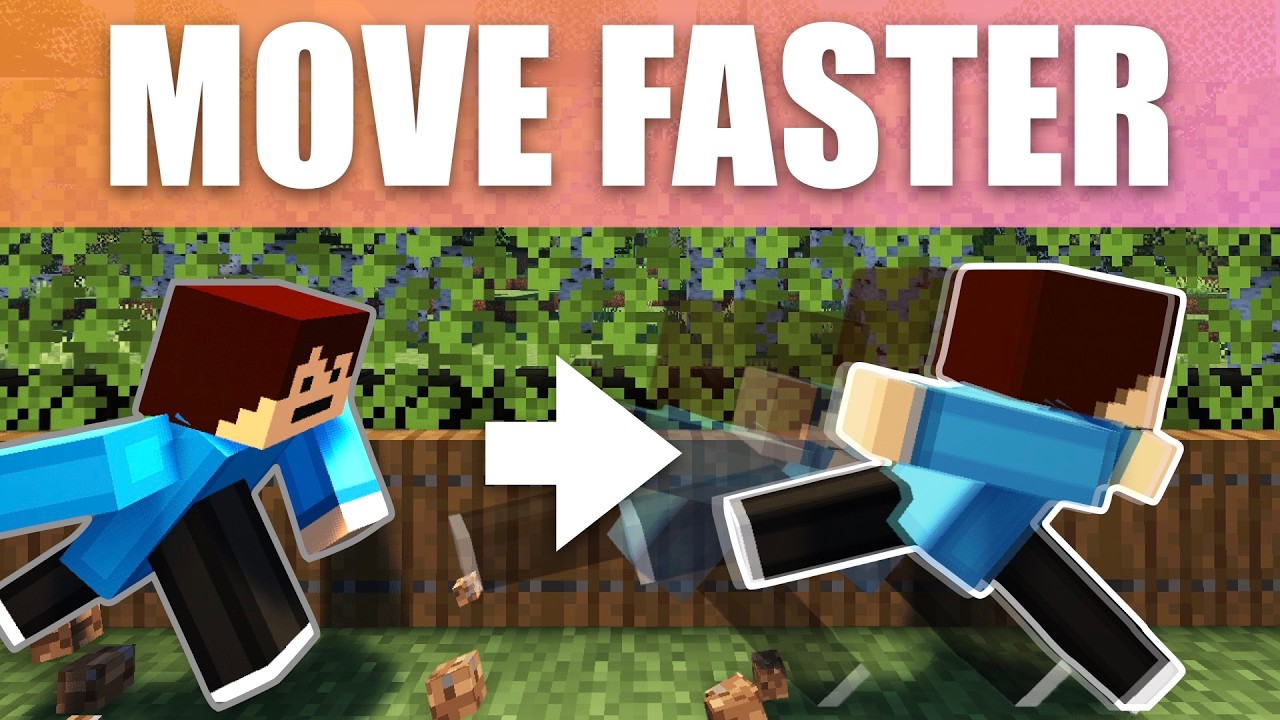

How to Run Fast in Minecraft: Make Your Player Speedy With One Command
Want to zoom around your Minecraft world at super speed? In this guide, I will show you how to make your player run incredibly fast using just one simple command. The best part is that this trick works on both Bedrock and Java Edition, so no matter which version you play, you are in luck!
What This Command Does
This command basically gives your player the Potion of Swiftness effect 24/7. That means your character will constantly be running fast without needing to drink any potions. All you need is a command block and a few seconds to set it up.
Setting Up the Command
Head over to a command block to get started. The great news is that this is a one command setup, so it is super simple.
Start by typing the first part of the command:
/effect give
Next, you get to choose who receives the speed boost. Here are your options:
- Your name – gives the effect to just you
- @a – gives the effect to all players
- @e – gives the effect to every entity, including creepers and zombies
For this example, we will just give the speed effect to ourselves.
Choosing the Effect and Duration
After picking who gets the boost, type in the effect. Interestingly, it is not called swiftness in the command. It is actually called speed, even though the potion itself is called Swiftness.
Now you can choose how long the effect lasts. If you want a quick boost, you could set it to 60 seconds. If you want it to last forever, you can click the infinite option that autofills, which is a newer feature. If you do not have that option, simply type in a very large number instead.
Adjusting the Amplifier
The amplifier is where things get fun. Start with a small number like 1 to test it out. Set your command block to repeat and always active and you will have the speed effect right away.
If you bump the amplifier up higher, your character becomes so fast that it can be hard to control. Be careful, because a very high effect can override other things and make you almost impossible to steer!
How to Reset the Speed Effect
If you set the speed too high and want to reset it, you have two easy options:
- Run the command /effect clear to remove the effect
- Drink a bucket of milk, which also clears the effect instantly
Hiding the Particles
When you run the command, you will see particles around your character. This can get annoying if the boost is on all the time. To hide them, just set the particle option to true for hidden particles.
Stopping the Command Spam
You might notice constant command messages spamming in the bottom left of your screen, or the top left if you are on a tablet. This gets really annoying fast. To get rid of it, you do not even need a command block. Just type:
/gamerule commandBlockOutput false
Remember to use the two capital letters as shown. This tells the command blocks to stop announcing that they are giving you the speed effect. Now you get a smooth, permanent speed boost!
Important Things to Remember
There are a couple of key points to keep in mind when using command blocks:
- You have to be within range and the chunks must be loaded for the command block to keep working. I recommend setting the duration to a high number or infinite.
- Just like any effect, if you die you will lose the speed boost. So keep it on infinite or make sure the command block is in range so you can reactivate it whenever you want.
Enjoy Your Super Speed!
And that is it! With this one simple command, you can now run super fast across your Minecraft world. Whether you are exploring, escaping mobs, or just having fun, this trick is a game changer.
If you found this guide helpful, do not forget to try it out in your own world. Happy speedrunning, and see you in the next one!


